 By SC
By SC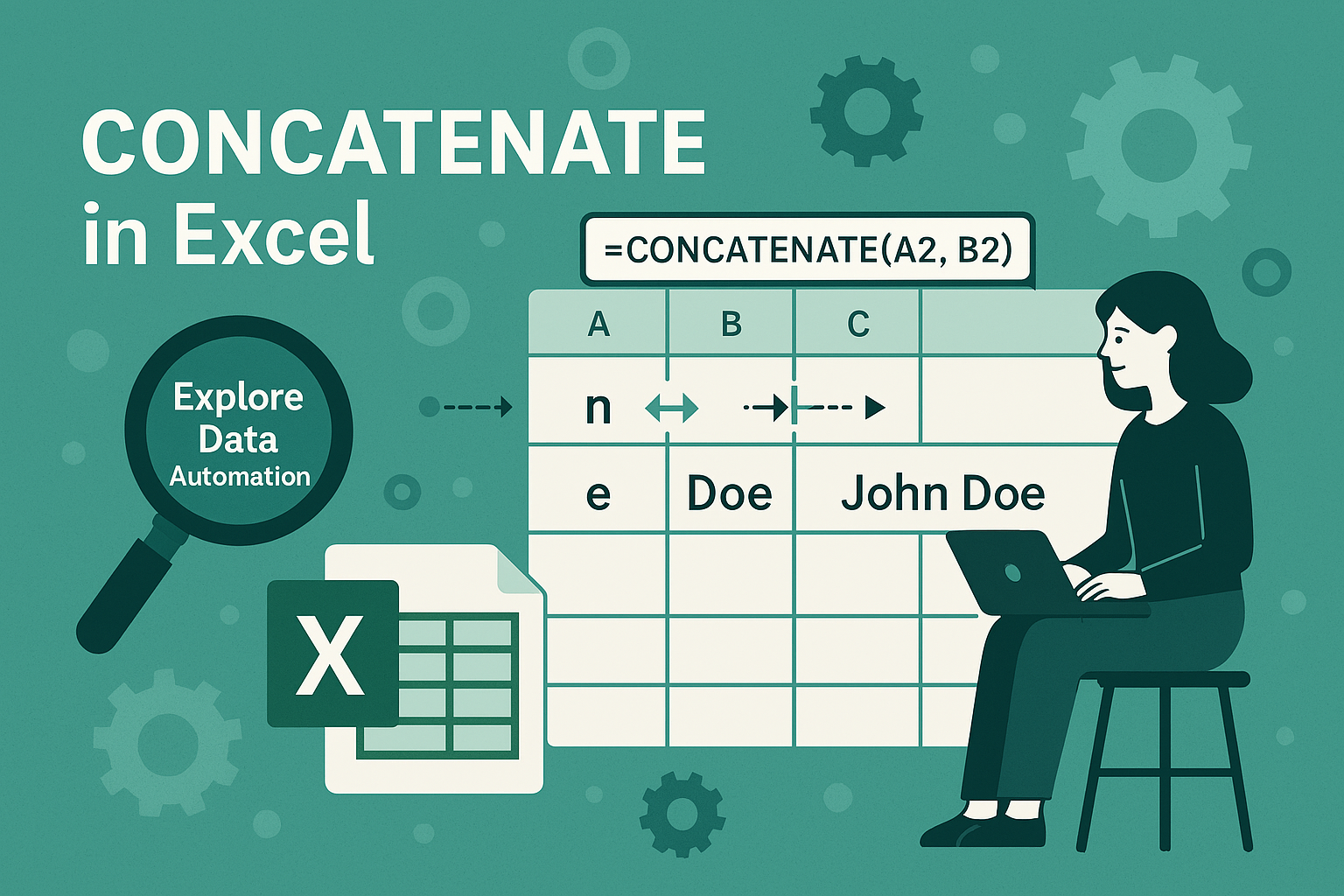
If you’re working with data in Excel, concatenation is a powerful technique that lets you combine text, numbers, or cell values into a single string. Whether you’re cleaning up data, creating full names from first and last names, or generating custom IDs, mastering concatenation can save you hours of manual work
What Is Concatenation in Excel
If you want to join some text or two cell then concatenate function in excel is very useful.
Concatenation means joining two or more strings (text, numbers, or cell values) into one. For example
Explore+Data=ExploreData
Methods to Concatenate in Excel
1. Using the & Operator
=A1& “-” & B1
By using above mentioned formula we can join two cell A1 and B1 with -in between.
2.Using the CONCATENATE or CONCAT function
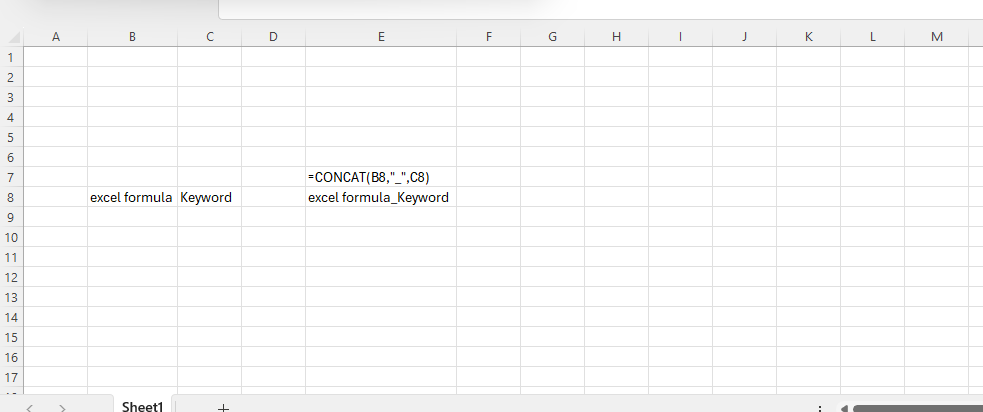
=CONCAT(A1, “_”, B1)
=CONCATENATE(A1, “_”, B1)
Using Text Join function we can also concatenation for information about text join read post Text join in excel
[…] is used to join two or more cells and have more useful than concatenate function in excel.It can join two text or cell in very easy […]